tokyo
Astronomy and astrophysics is currently one of the most data-intensive fields in science. Between simulations which output Terabits of data, or individual observations of millions of galaxies, it is impossible to get by in this field without some data analysis and data management skills.
Astrophysicists regularly work with massive, noisy, and complex datasets—often from simulations or telescopes—and must extract meaningful patterns and insights. This expertise translates directly to industry roles where structured and unstructured data need to be analyzed, modeled, and interpreted to guide decision-making or power predictive systems.
Examples… Every project has a beautiful feature showcase page. It’s easy to include images in a flexible 3-column grid format. Make your photos 1/3, 2/3, or full width.
To give your project a background in the portfolio page, just add the img tag to the front matter like so:
---
layout: page
title: project
description: a project with a background image
img: /assets/img/12.jpg
---



You can also put regular text between your rows of images, even citations (missing reference). Say you wanted to write a bit about your project before you posted the rest of the images. You describe how you toiled, sweated, bled for your project, and then… you reveal its glory in the next row of images.
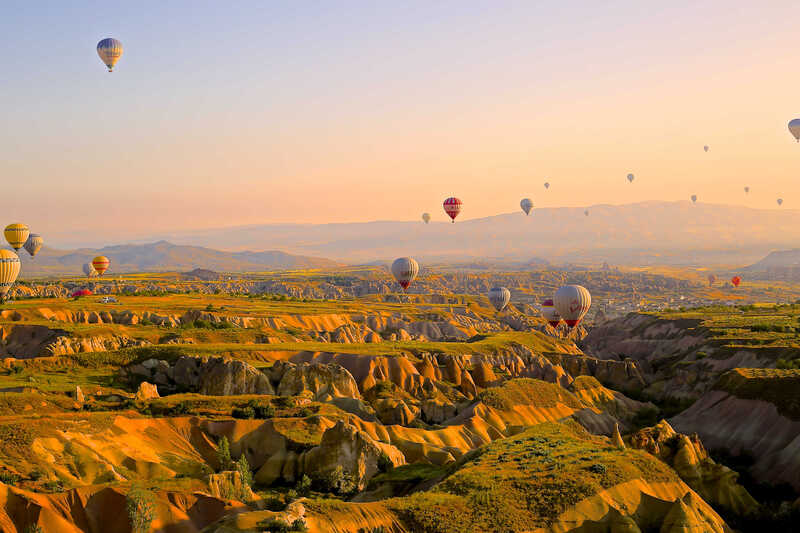

The code is simple. Just wrap your images with <div class="col-sm"> and place them inside <div class="row"> (read more about the Bootstrap Grid system). To make images responsive, add img-fluid class to each; for rounded corners and shadows use rounded and z-depth-1 classes. Here’s the code for the last row of images above:
<div class="row justify-content-sm-center">
  <div class="col-sm-8 mt-3 mt-md-0">
    {% include figure.liquid path="assets/img/6.jpg" title="example image" class="img-fluid rounded z-depth-1" %}
  </div>
  <div class="col-sm-4 mt-3 mt-md-0">
    {% include figure.liquid path="assets/img/11.jpg" title="example image" class="img-fluid rounded z-depth-1" %}
  </div>
</div>